Convert photos of documents to PDF files
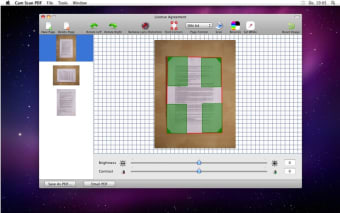
Cam Scan PDF allows you to take photos of your text with a camera, and then turn that photographic image into a page in a PDF file. Some students use it to photograph sections out of their paper textbooks and create their own digital PDF textbooks.
Put your text into PDFs without a PDF creator
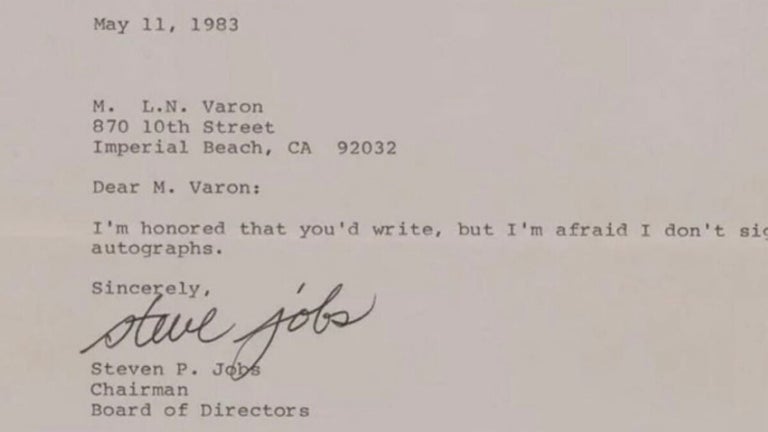
Cam Scan PDF allows you to take a photo of your text, and then have that text turned into a photographic image that looks as if it has been scanned. The image is then placed into a PDF file. It doesn't look like a PDF file full of photographed pages, it looks like a PDF full of pages that have been scanned on a scanner because the 3D perspective of the photographic image has been removed.
Protect your writing by making it difficult to copy
Cam Scan PDF would be fantastic if it allowed you to convert your images from screen captures into professional-looking text that you may put into a PDF, but that is sadly not the case. This tool is great for protecting your copyrights because people who use the PDF cannot cut, copy or paste the text from your PDF because it is an image. Sadly, this tool only turns photographed images into PDFs and not screenshot text. As a result, this tool is only useful for protecting the content and digital management rights of cartoonists and artists who want their work on PDF files.